
I Built an NPM Package That Auto-Translates Your Entire React App
I Built an NPM Package That Auto-Translates Your Entire React App
When I started adding multi-language support to one of my React projects, I quickly realized how painful the process was. Every i18n library I tried had the same story — wrap every text with t(), create translation keys, maintain JSON files manually, set up API accounts, and configure environment variables. It felt like I was doing more configuration work than actual development.
So I asked myself — why can't this be automatic?
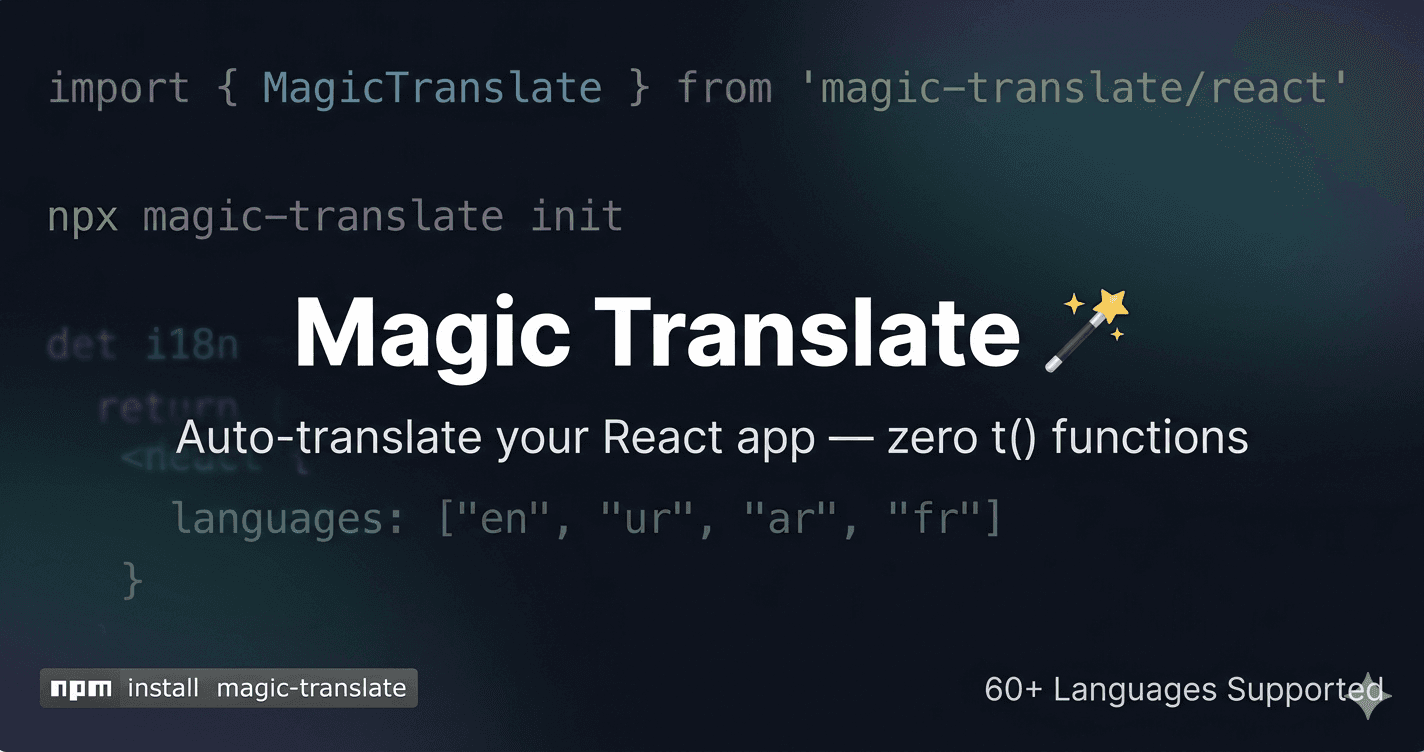
That question led me to build Magic Translate, an open-source NPM package that automatically translates your entire React or Next.js app with zero manual work.
The Problem With Existing Solutions
Most i18n libraries work like this:
<h1>{t('welcome_title')}</h1>
<p>{t('welcome_description')}</p>
<button>{t('click_here')}</button>
You have to wrap every single piece of text, create a key for it, add that key to every language JSON file, and maintain all of it as your app grows. For a large app with hundreds of text strings, this becomes a nightmare.
On top of that, most translation APIs require you to create a Google Cloud account, generate API keys, set up billing, and configure environment variables just to get started.
I wanted something simpler. Something that just works.
What Magic Translate Does Differently
With Magic Translate, your code stays exactly the same:
<h1>Welcome to my app</h1>
<p>This is the description</p>
<button>Click here</button>
No t() functions. No translation keys. No manual JSON editing. Nothing changes in your code.
How It Works
Step 1 — Install and Run Init
npm install magic-translate
npx magic-translate init
The CLI asks you two simple questions:
Step 2 — It Does Everything Automatically
After you answer those two questions, Magic Translate:
- Uses Babel Parser and Traverse to scan your entire project and find all static text in your JSX/TSX files
- Sends that text to Lingva Translate — a free, open-source Google Translate alternative that requires no API key
- Saves all translations as JSON files in your
public/translations/folder - Detects whether you are using Next.js or Vite and sets up the folder structure accordingly
Step 3 — Wrap Your App Once
import { MagicTranslate } from 'magic-translate/react'

createRoot(document.getElementById('root')!).render(
  <MagicTranslate config={{ defaultLanguage: "en", languages: ["en", "ur", "ar"] }}>
    <App />
  </MagicTranslate>
)
Step 4 — Add a Language Switcher Anywhere
import { useMagicTranslate } from 'magic-translate/react'

function LanguageSwitcher() {
  const { language, setLanguage, languages } = useMagicTranslate()

  return (
    <select value={language} onChange={(e) => setLanguage(e.target.value)}>
      {languages.map((lang) => (
        <option key={lang} value={lang}>{lang.toUpperCase()}</option>
      ))}
    </select>
  )
}
That is it. Your entire app now supports 60+ languages.
The Technical Side
Building this package taught me a lot. Here is what powers it under the hood:
Babel Parser and Traverse scan every JS, JSX, TS, and TSX file in the project and extract all visible text from JSX nodes. Getting the filtering right was tricky — I had to make sure it only picks up real UI text and skips things like class names, package names, file paths, and variable names.
Lingva Translate API handles the actual translation. Lingva is a free, open-source frontend for Google Translate that requires no API key and no account. I added fallback support across multiple Lingva servers so if one is down, the next one is tried automatically.
React Context API manages the language state across the entire app. The MagicTranslate provider loads all translation JSON files on mount and makes them available through the useMagicTranslate hook.
DOM TreeWalker is the most interesting part. When the user switches language, instead of re-rendering the entire React tree, a TreeWalker walks through all text nodes in the DOM, matches them against the translation map, and replaces them in place. This makes language switching instant with no page reload.
tsup builds the package in both ESM and CommonJS formats so it works seamlessly in Vite, Next.js, and any other React setup.
What I Learned
This was my first time publishing an NPM package and the experience taught me more than I expected.
I learned how to structure a package that exports both a CLI tool and a React library from the same codebase. Getting ESM and CommonJS to coexist without breaking either the CLI or the React components was a real challenge — the solution was using tsup with separate build configurations for each.
I also learned about peer dependencies, package exports fields, and how different bundlers like Vite and Webpack resolve modules differently. What works in one environment does not always work in another.
Most importantly, I learned that building something that solves a real problem — even a small one — is one of the most satisfying things you can do as a developer.
Try It Out
npm install magic-translate
npx magic-translate init
📦 NPM: npmjs.com/package/magic-translate
🔗 GitHub: github.com/KhalidChouhan313/Magic-Translations
If you find it useful, a star on GitHub would mean a lot. And if you have feedback, suggestions, or run into any issues — I would love to hear from you!